Want to use fonts for your project, but you're confused?

I am a fresher in frontend development, but I love to learn anything and everything about computers. I like to figure out my own learning curve
Being a beginner, it's tough to decide, the fonts you want to add to your project and how to search for them. Sometimes its kinda frustrating ( I got frustrated too ), and sometimes you just go to stackoverflow. But fear not because I have come to the rescue
Need suggestions for fonts to use?
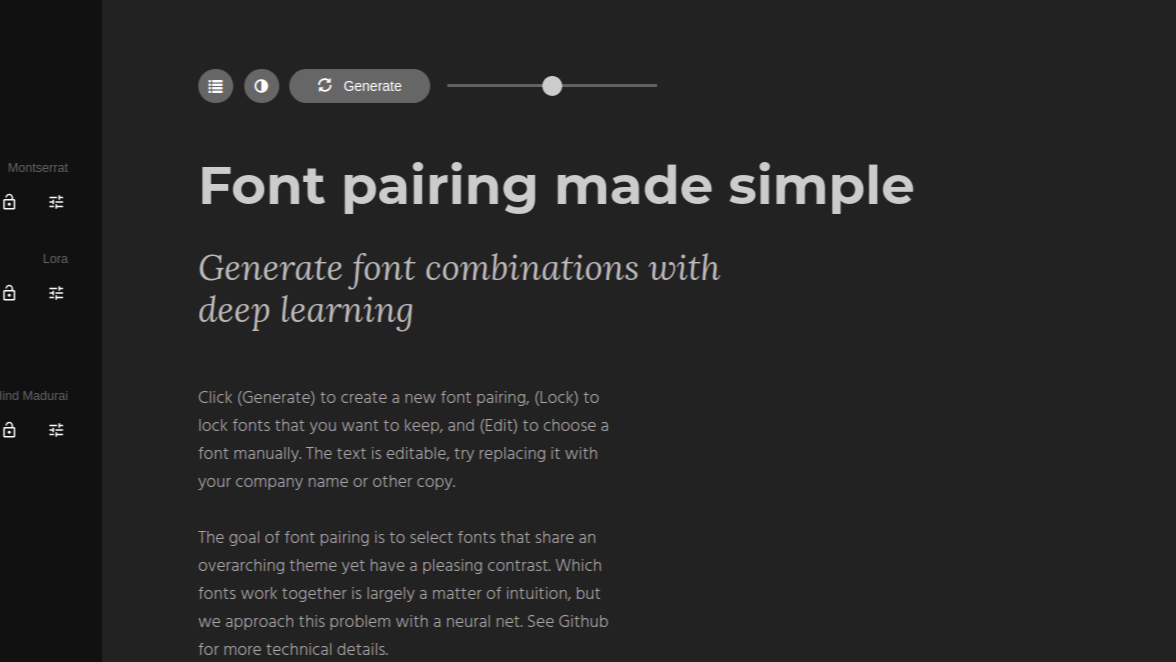
Screenshot from the site Fontjoy
While creating frontend projects, I always used any weird font combination that tickled my eye, and it didn't end up good. I found this site that generates random font pairings which looks good together. You can click on the Generate button to generate a new font pairing. If any font looks good you can click on the lock icon and keep it in place and generate others to match the pairing.
But would it look good on your site?
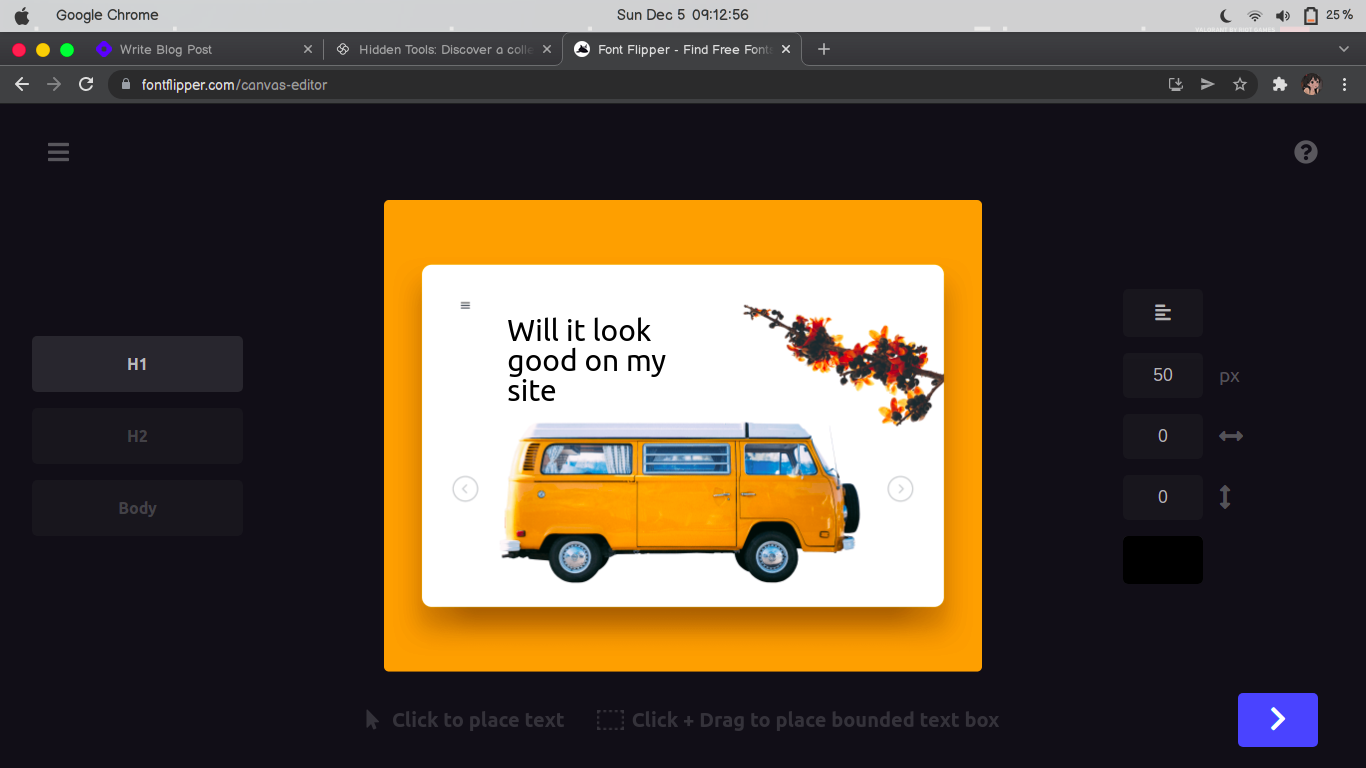
Screenshot from the site Font Flipper
Now that you have your font pair selected, you might want to see if it actually fits in your project. With Font Flipper you can upload the picture of a section of your project, place the text you want on top of it and change the font style like a tinder match, left-arrow to reject, right-arrow to select the ones you like. With this you can see if a particular font type actually fits in, and ones you're done you can directly download the font files from the same site
But how do you actually use a font in your project
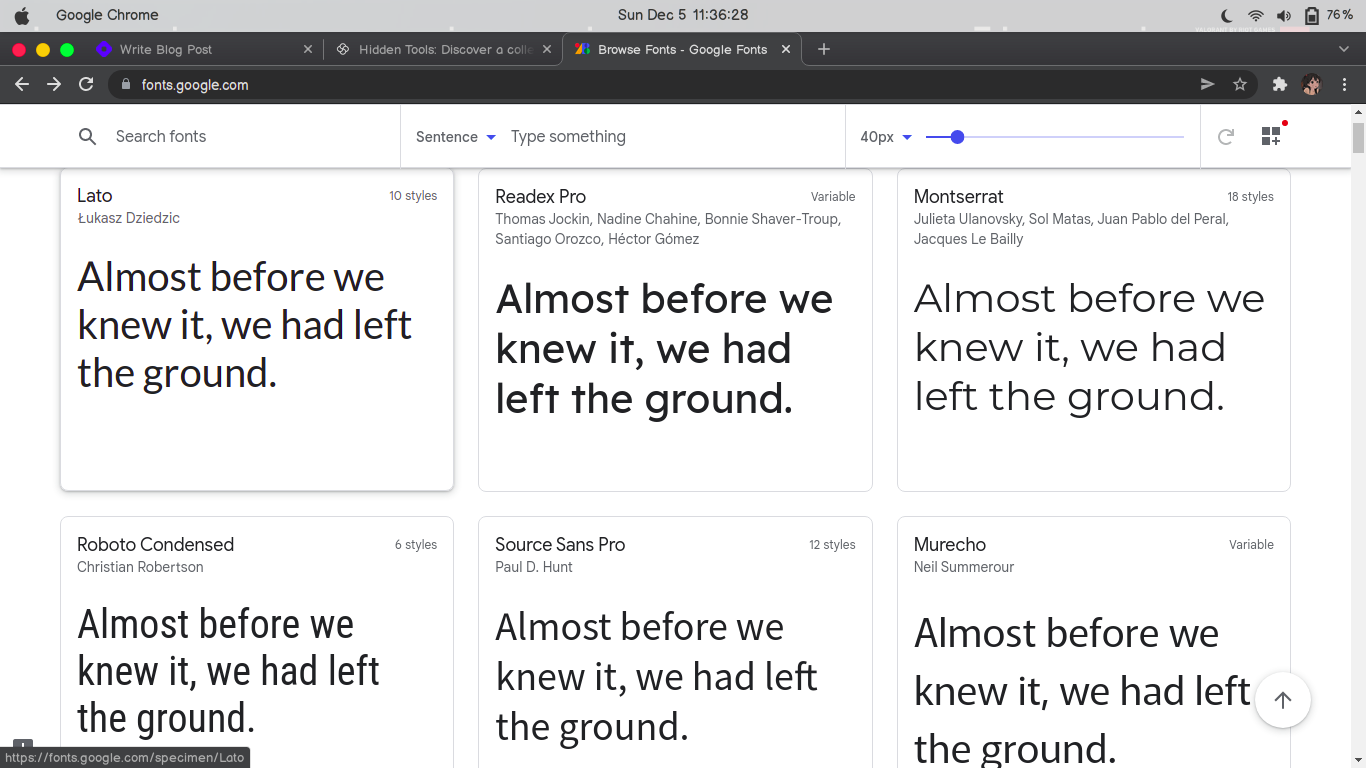
Screenshot from the site Google Fonts
When you download a font, you actually download a font file of TTF(True Type Font) or OTF(OpenType Font) or some other type and import it in your project, but I haven't figured it out yet (I'll update on that too, Daijoubu). Some here's a workaround using google fonts
On Google Fonts, search for the fonts you selected or select the type you like such as Sans, Sans-serifs. When you click on any font, you get a list of all the available styles, select the ones you want and a side bar will appear. On that select import, and copy only the line, starting from "@" and ending before the closing tag. Now paste this code at the start of your main css file, something like this:
@import url('https://fonts.googleapis.com/css2?family=Roboto:wght@100;300&display=swap');
And there you have it. Problem solved. Happy Coding
On a side note I actually tweeted about writing this blog. It's literally my first blog ever